Start here
What each Copilot label can do
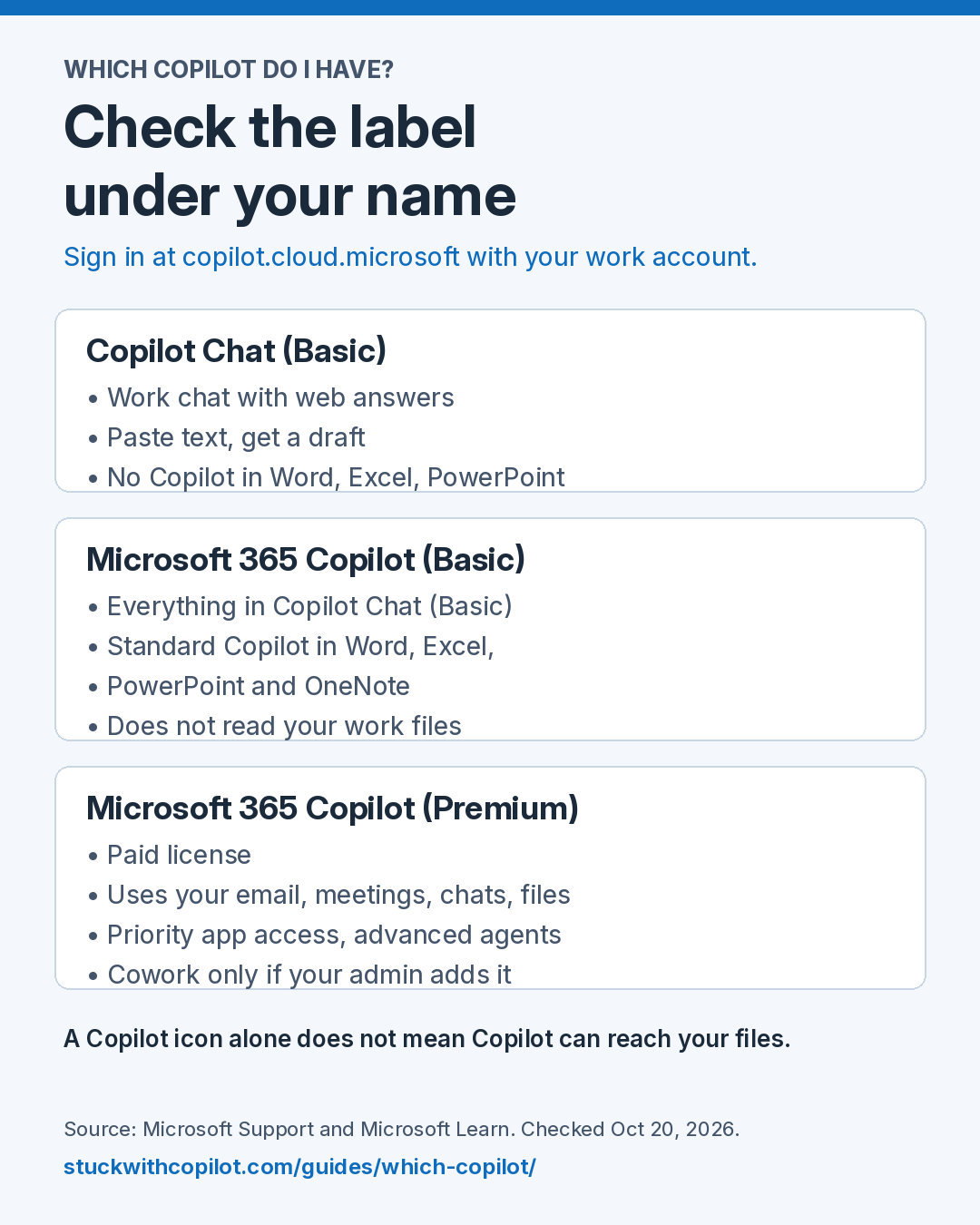
Short answer: Copilot Chat (Basic) is the work chat with web data. Microsoft 365 Copilot (Basic) adds standard Copilot in Word, Excel, PowerPoint and OneNote. Microsoft 365 Copilot (Premium) is the paid license that can use your work email, meetings, chats and files.
Last checked against Microsoft docs: Oct 20, 2026
Features by label
| What you can do | Copilot Chat (Basic) | Microsoft 365 Copilot (Basic) | Microsoft 365 Copilot (Premium) |
|---|---|---|---|
| Work chat with web answers | Yes | Yes | Yes |
| Paste text and get a draft | Yes | Yes | Yes |
| Copilot in Word, Excel, PowerPoint, OneNote | No | Standard access | Priority access |
| Answers from your work email, meetings, chats and files | No | No | Yes |
| Advanced agents | No | No | Yes |
| Copilot Cowork | No | No | Only if your admin adds you to a Cowork spending policy (billed by usage) |
Sources: the label guide, the Microsoft 365 Copilot overview and Manage Copilot Cowork. Your admin can still turn features off, so your screen may show less.
Tested on this site
We have not yet tested this table in a live Microsoft 365 setup. When we do, we will add the label, the date and what we saw.
Find your own label with Which Copilot do I actually have? or the one-page cheat sheet.
Questions people ask
What is the difference between Copilot Chat and Microsoft 365 Copilot?
Copilot Chat (Basic) is the work chat with web data. Microsoft 365 Copilot (Premium) is a paid license that can also use your work email, meetings, chats and files.
Does Microsoft 365 Copilot (Basic) read my files?
No. It adds standard Copilot in Word, Excel, PowerPoint and OneNote, but answers from your work data need the Premium license.
Cite or share this guide
What each Copilot label can do. Stuck with Copilot. https://stuckwithcopilot.com/guides/copilot-features-by-label/ Last checked Oct 20, 2026.
Get one Copilot fix a week
One short email each week: a workflow that works, one Microsoft change worth knowing, and an answer to a reader question.
Official references
- How Copilot Chat works with and without a license
- Microsoft 365 Copilot overview
- Manage Copilot Cowork
- Microsoft 365 Copilot licensing
Last checked against Microsoft docs: Oct 20, 2026.